Meeting rooms
Start on time. Every time.
People in the room and people on the call, heard and seen the same. Pick your room in three taps.

Sound familiar?
It’s 9:02. The CEO is waiting, the remote team can’t hear the room, and someone is calling IT.
- Every room works differently.
- The first ten minutes go on setting up.
- Every voice echoes, in the room and on the call.
- IT fixes rooms instead of real work.


In 30 seconds
One touch. Meeting starts.
A room set up right starts with one touch. IT stays at their desk.
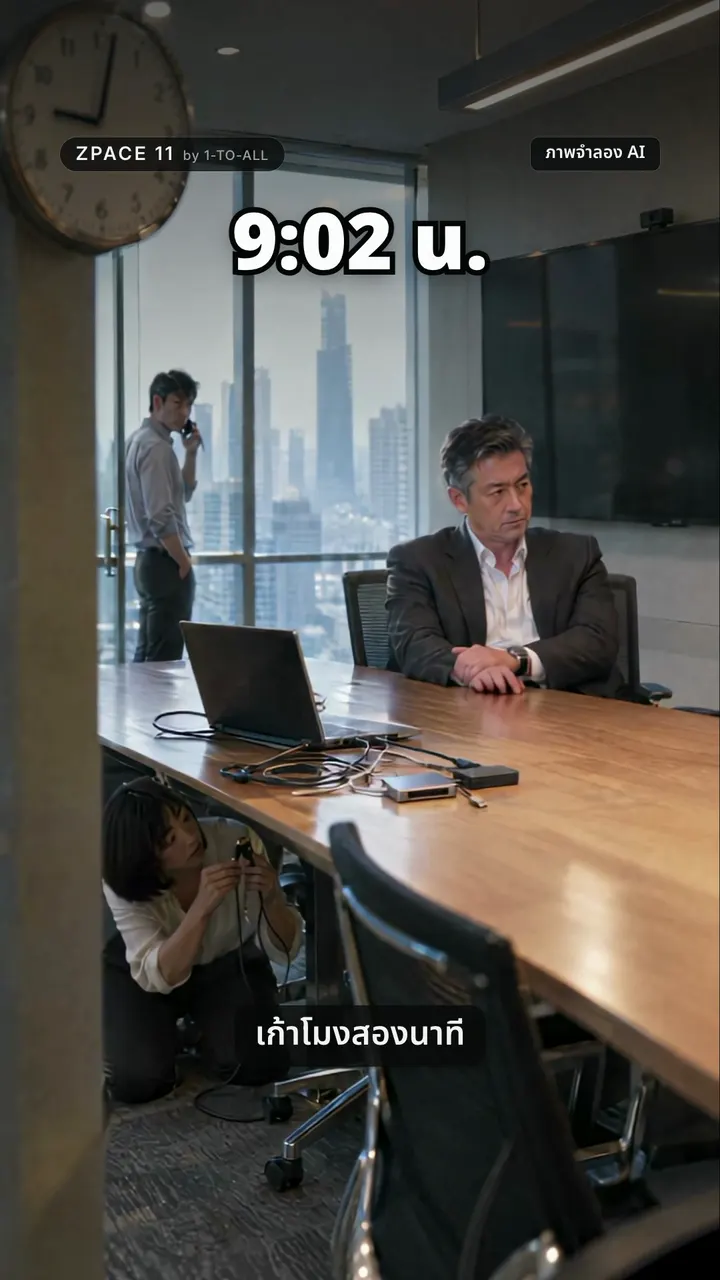
A meeting room should work for everyone in it — and everyone on the call.
Zoom Rooms, from the partner
Deployed by 1-TO-ALL — Zoom Platinum Partner #1 in Asia.
Designed for the room
Mics, cameras, display size, light and acoustics planned for your space.
Installed and looked after
Installation, testing, training and ongoing support from one team.
Same room, your choice
One room. Four setups.
Pick how you want to run it. See what goes in, and who sets it up.


One bar does it all.
Camera, mics and speakers in one video bar. Neat Pad starts the meeting.
See one at work.
A hybrid boardroom: paperless touch screens rise from the table.
Four rooms. One standard.
Pick the size. We bring a proven recipe and set up every room the same way.
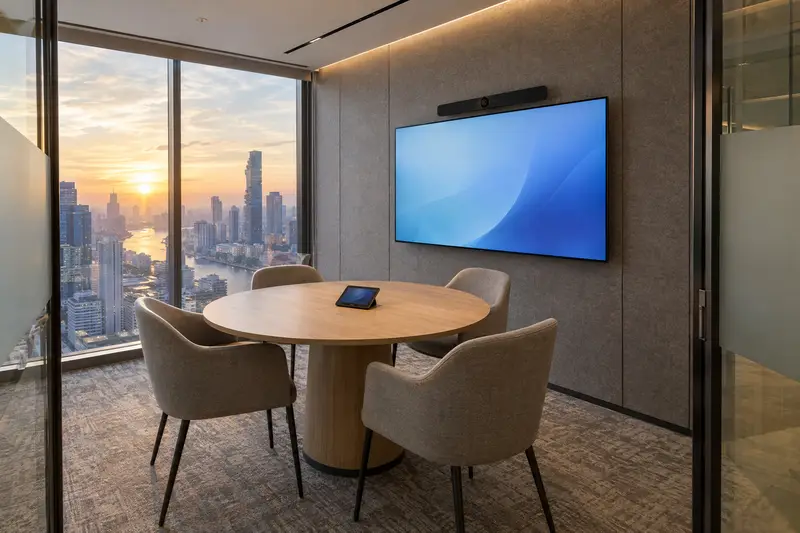
Small
2–4 people · huddle room
“A quick sync shouldn’t take ten minutes to start.”
Walk in, tap, talk.
- All-in-one video bar
- Touch controller
- One 65"–75" display
- Wireless screen share
Neat option: Neat Board 50
Find your room ↓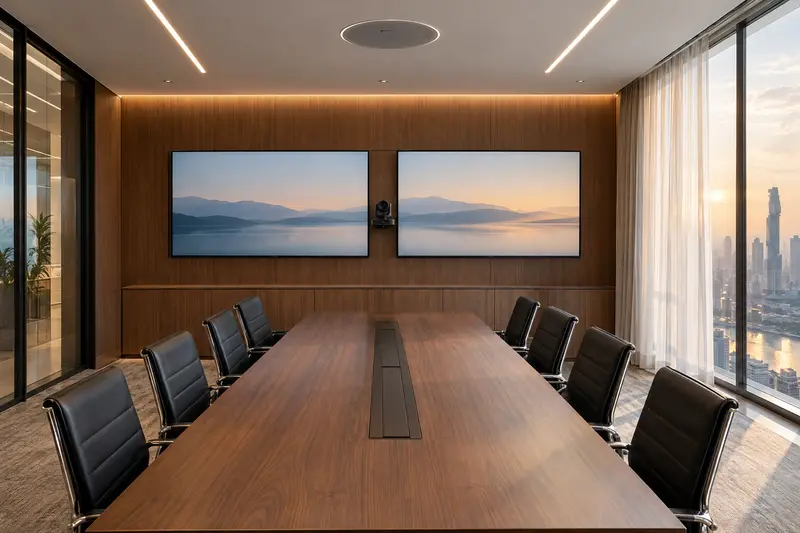
Medium
6–10 people · meeting room
“The far end only sees the tops of heads.”
Everyone seen, everyone heard.
- PTZ camera
- Ceiling microphones and speaker
- Two displays, or an LED wall
- Wireless screen share
Neat option: Neat Bar Generation 2 with Neat Pad
Find your room ↓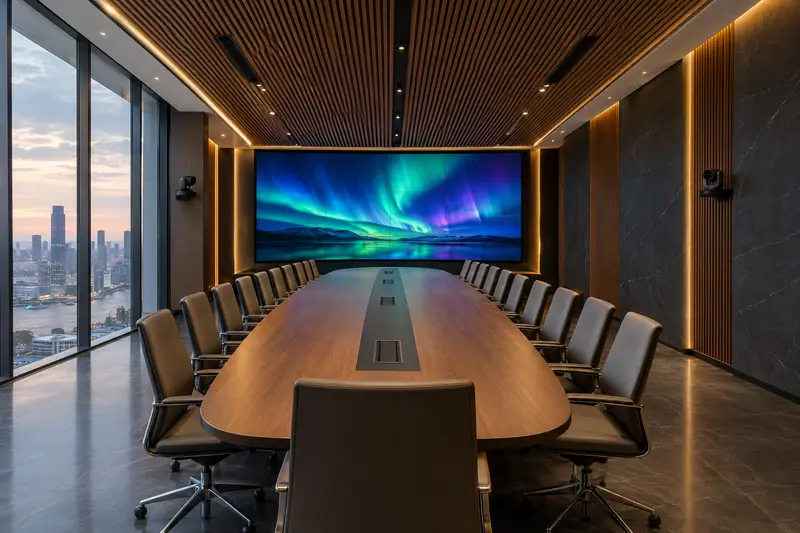
Large
12–20 people · conference room
“Voices at the end of the table get lost.”
Every seat, front row.
- Several cameras that follow the speaker
- Microphones around the room
- Large displays or an LED wall
- One room controller
Neat option: Neat Bar Pro with Neat Center
Find your room ↓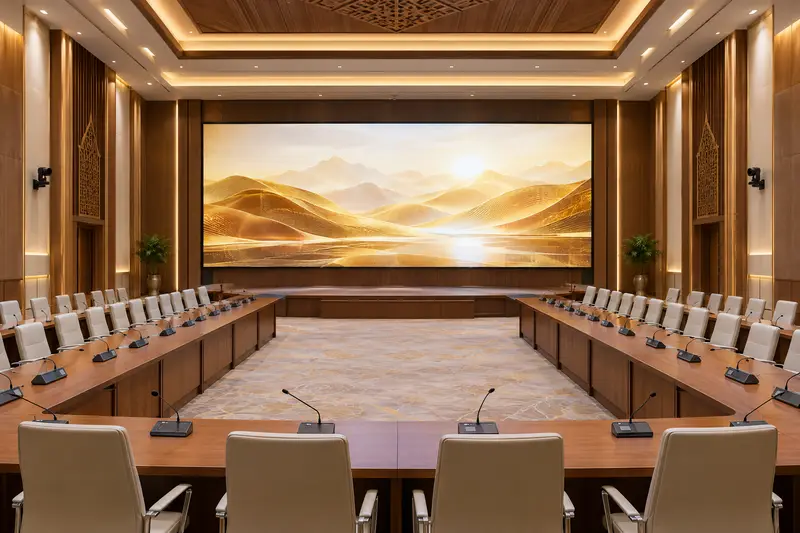
Extra large
Over 20 people · boardroom, training room, hall
“The town hall runs on hope.”
Run it like a broadcast.
Find your room ↓- A conference microphone at every seat
- Auto-tracking cameras
- LED wall
- Voice lift and room control


Pick your room.
Five rooms we design and install.
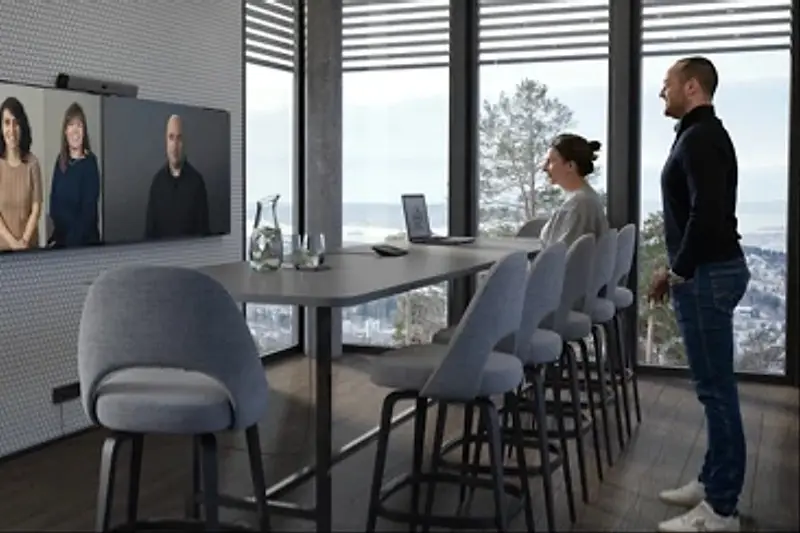
Huddle room (2–4 people)
A compact hybrid space with one camera and microphone, for stand-ups and quick sessions.
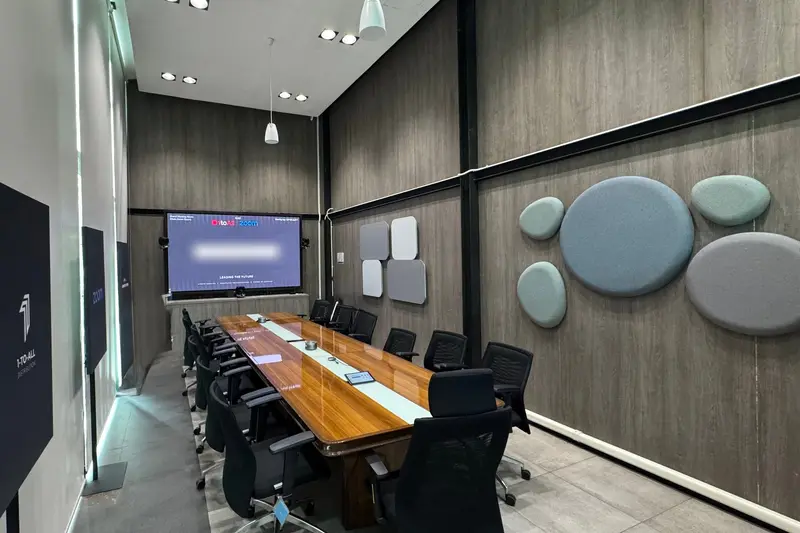
Mid-size room (6–10 people)
A standard meeting room with a PTZ camera, a ceiling microphone array and two displays — people and content.
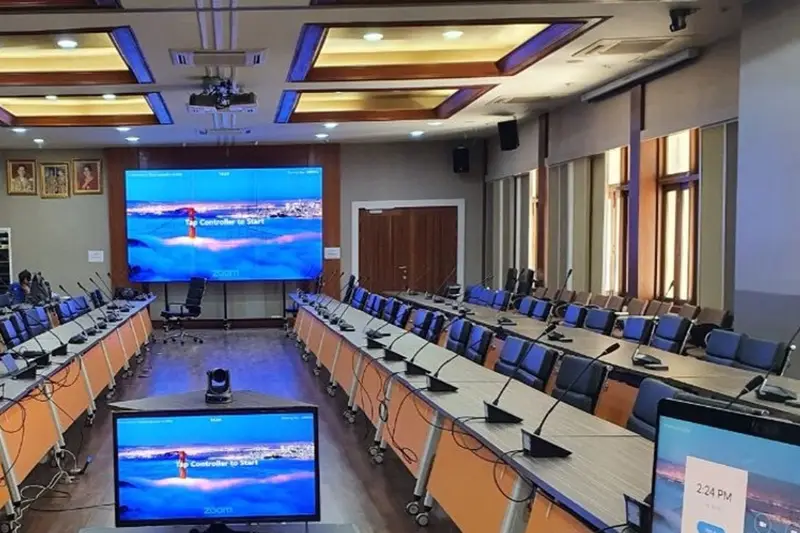
Large room (12–20 people)
Multi-camera coverage, distributed microphones, large displays and an integrated room controller.
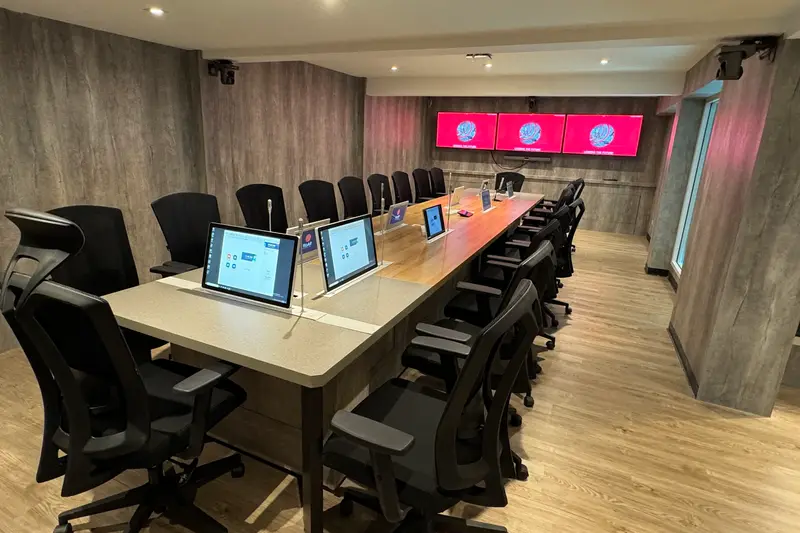
Boardroom
Discreet cameras and microphones, a premium display and an executive finish — often with acoustic treatment.
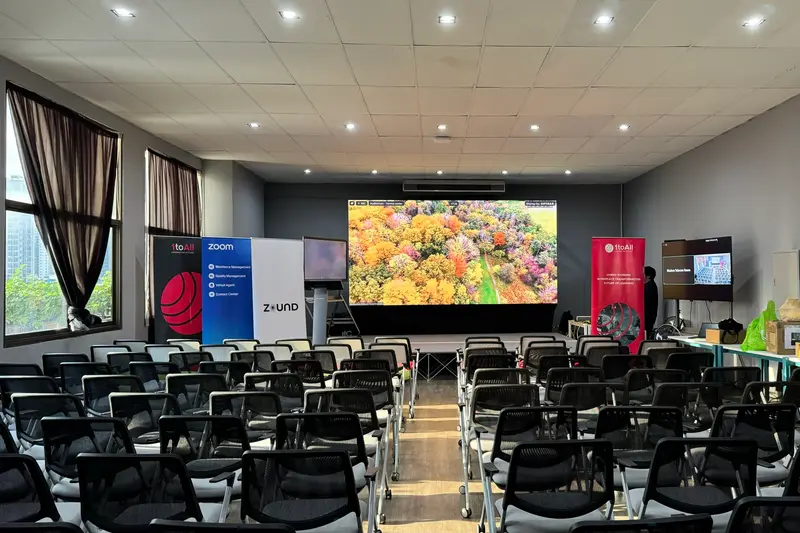
Training room
Hybrid training: instructor and audience cameras, content displays, voice lift and recording for later viewing.


Conference systems · ITC
Every voice at the table.
ITC conference systems for meeting rooms, lecture halls and auditoriums.
Wired microphones
Clear, dependable sound for fixed installations.
Wireless microphones
Speakers move freely at conferences, seminars and events.
Paperless meetings
Electronic voting and on-screen documents instead of paper.
Need a quiet corner?
Acoustic pods by Zound Pod: phone booths and privacy capsules.
Already working in Thailand’s premium spaces.
Brands and headquarters
- Patek Philippe
- Singha Corporation HQ
- Gaysorn Village
Hospitality
- Mercure Bangkok
- Centara
International institutions
- UN ESCAP
- Mekong River Commission (MRC)
How we work
From survey to support.
Survey
We visit, measure and listen. The survey is free.
Design and install
One plan and one team, installed and tested.
Train your team
We show your people how it works, on day one.
Look after it
Warranty, repairs and support from the same team.
Questions, answered.
Can one room handle Zoom, Teams and Webex?
Yes. Zoom Rooms supports direct guest join for Microsoft Teams and Webex, so one room can join meetings on several platforms without changing hardware.
Which hardware brands do you use?
Certified cameras, microphone arrays, speakerphones and room controllers from AVer, Yealink, Logitech and Poly — chosen for the room’s shape, acoustics and number of people.
See your space first.
Our engineers visit, measure the space and check the light, then recommend the right setup. The survey is free.