Wireless screen share · Astrogate
No more cable hunt.
Share from any laptop or phone in one click. Guests never join your network.
Try it · Tap Share. You’re on screen.


Tap Share on your laptop, then hand over to the guest.
Sound familiar?
The client’s laptop has the wrong port. Five minutes of adapters and apologies, and the pitch hasn’t started yet.
- The adapter you need is in another room.
- Guests can’t connect without calling IT.
- Every handover breaks the flow.


In 30 seconds
One button. On screen.
Press one button and you’re on screen. From a phone, too.
One click to share
Use the screen mirroring already on your device. No app to install.
Guests stay off your network
Visitors share without joining your corporate network.
Any laptop, any phone
Windows, Mac, iPhone, iPad and Android.
One press. Any room.
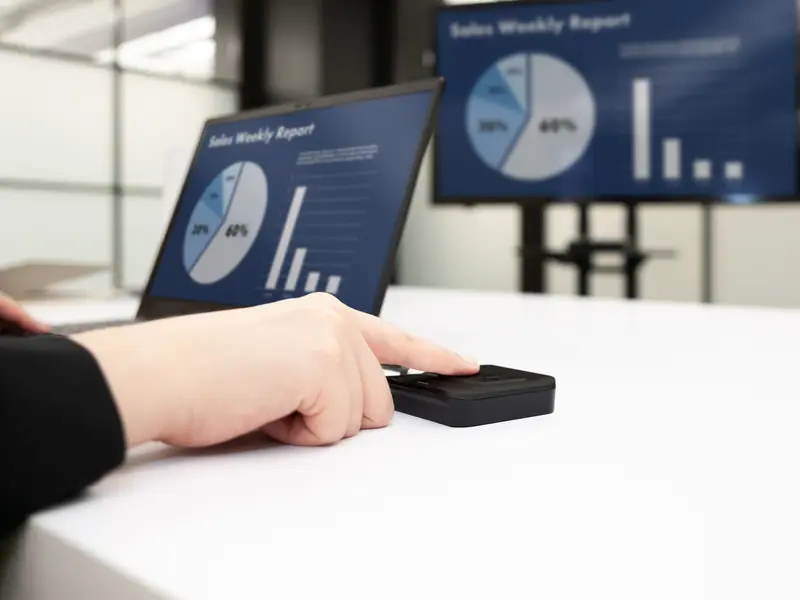
One press to share
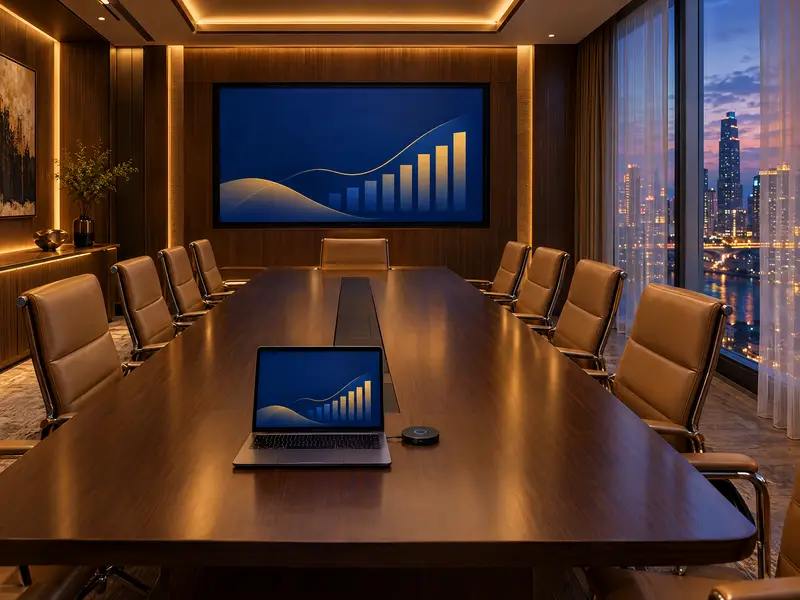
Boardroom
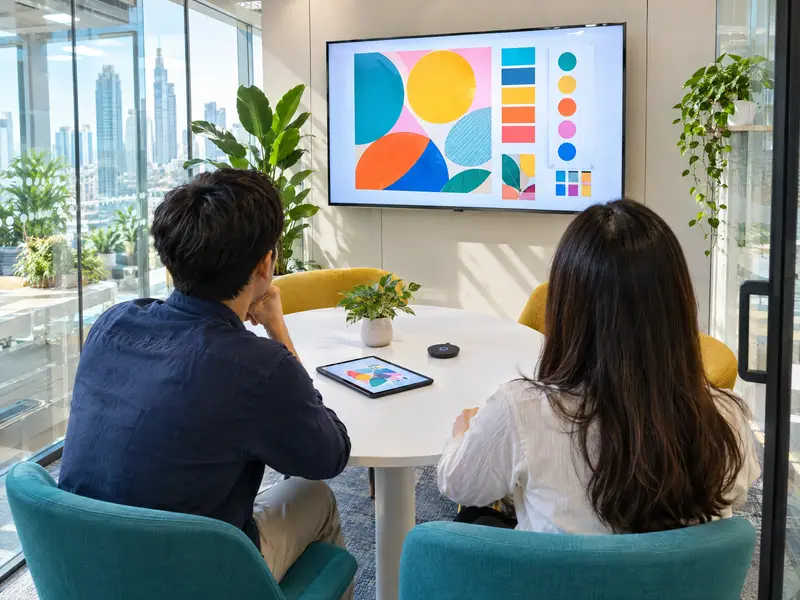
Huddle room

Training room


Connect. Share. Hand over.


Connect
Pick the room’s screen from your device’s screen mirroring, or plug in the USB-C button.
Share
One click puts your screen up. Others can join you on screen.
Hand over
The next presenter takes over without touching a cable.
Where it fits
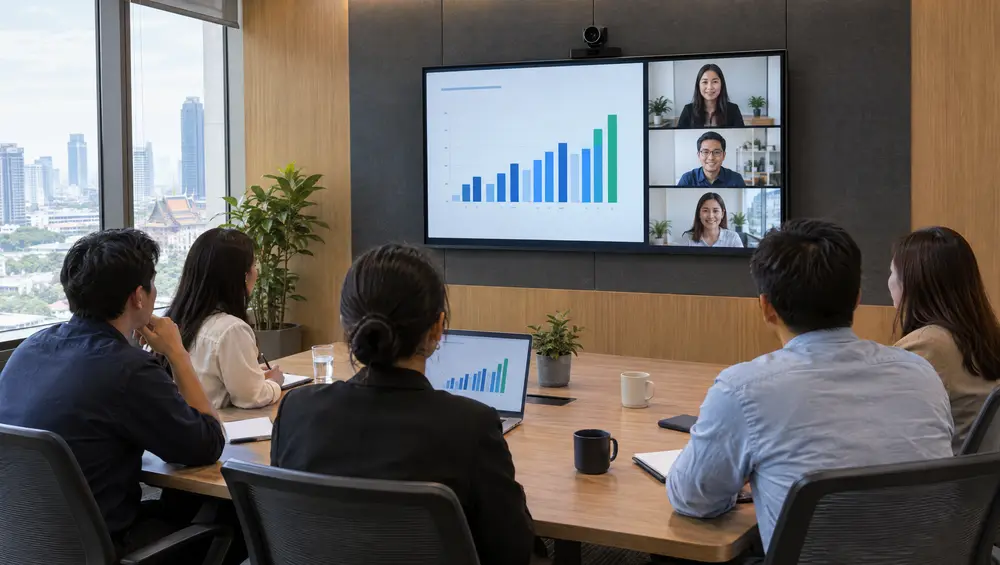
Hybrid meeting rooms
People in the room share; people online stay on Zoom or Teams.
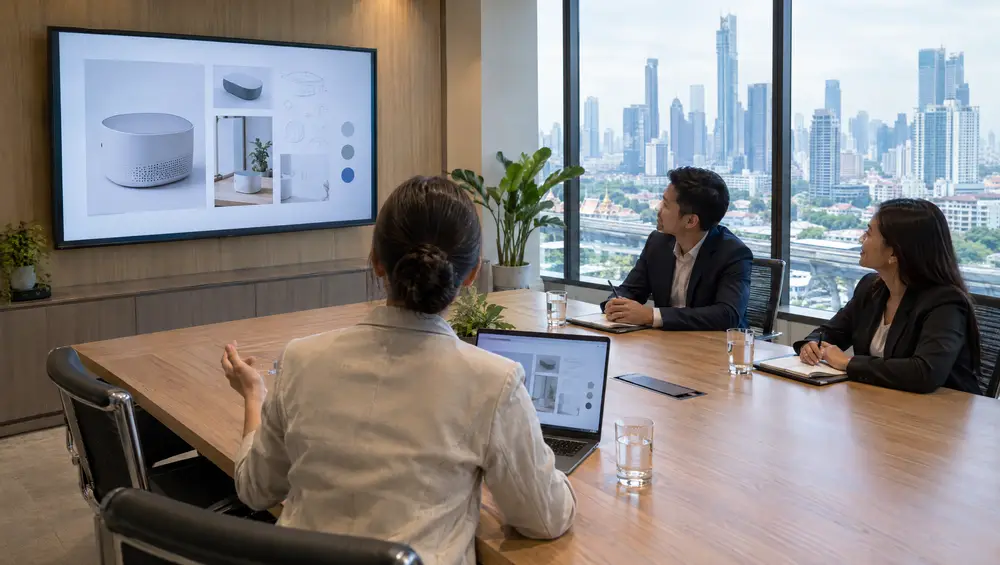
Client meeting rooms
Visitors share from their own laptop, with no software and no Wi-Fi password.
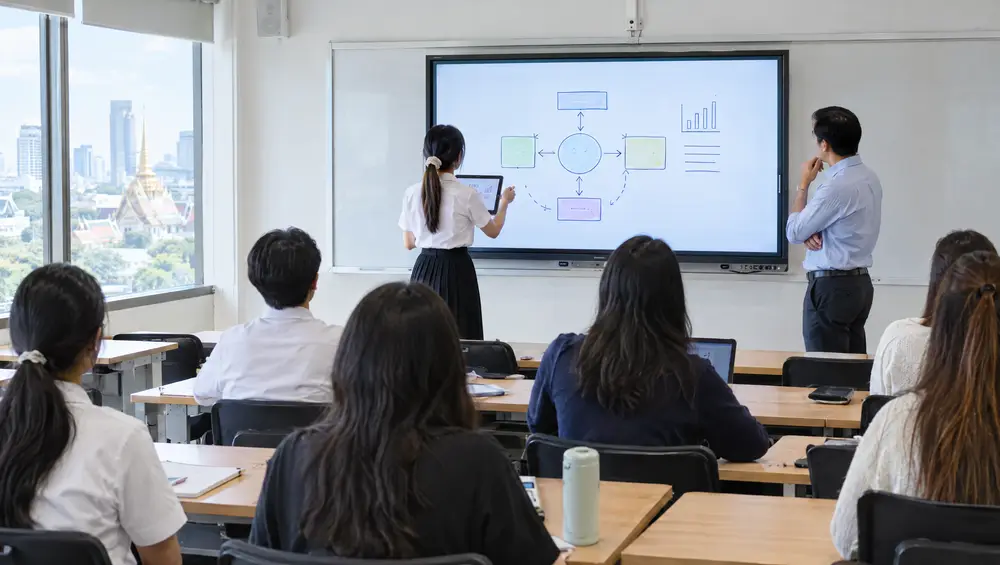
Classrooms and training
Teachers and students hand over the screen without breaking the flow.
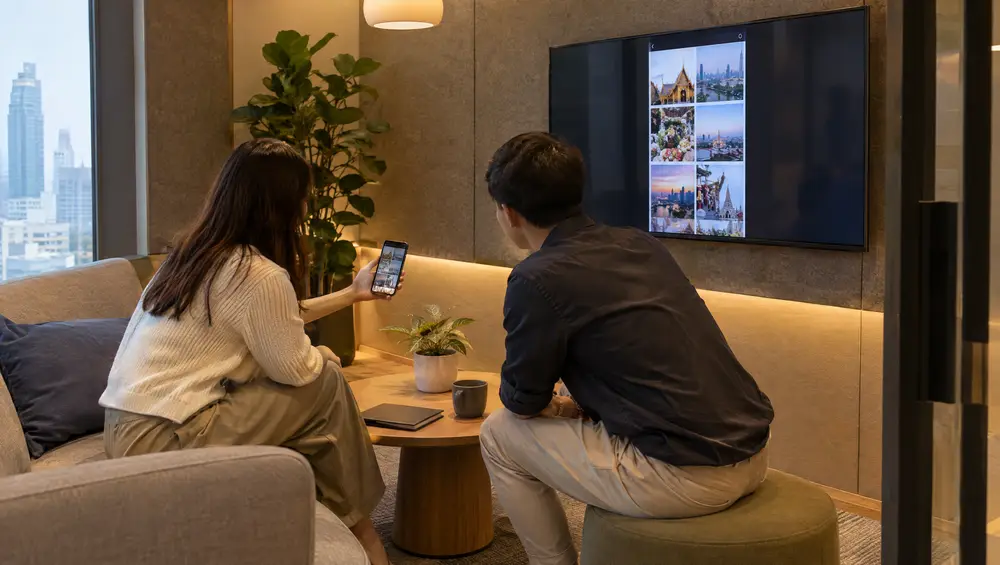
Huddle rooms
Quick syncs start the moment people sit down.
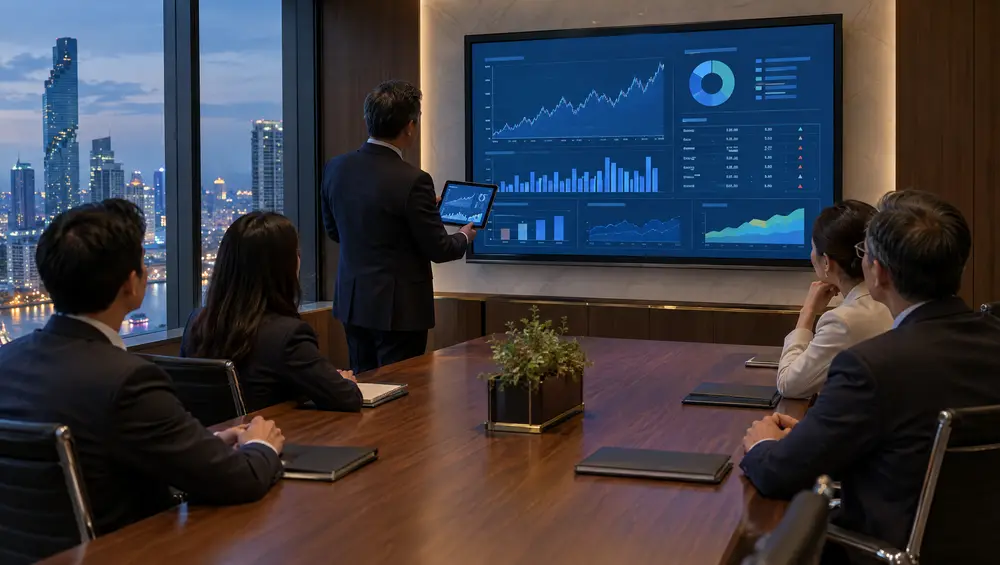
Boardrooms
Senior people never wrestle with a cable.


For your IT team
How we work
From survey to support.
Survey
We visit, measure and listen. The survey is free.
Design and install
One plan and one team, installed and tested.
Train your team
We show your people how it works, on day one.
Look after it
Warranty, repairs and support from the same team.
Questions, answered.
Do guests need to install anything?
No. Apple, Android and Windows devices share with the screen mirroring they already have. For laptops there is also a USB-C button that needs no driver.
Is it secure?
Sharing is encrypted, an optional code controls who can join, and guests can be kept off your corporate network.
Does it work with Zoom and Teams?
Yes. People in the room share with Astrogate, and people online join on Zoom or Teams as usual.
Will it work with our screens?
Yes. The receiver connects to the display over HDMI, interactive displays included.
Try it in our showroom.
Bring your own laptop or phone and share it on our screens.