Video conferencing
Be in the room. From anywhere.
Set it up yourself, or let us design the whole room. Flip between the two and see what changes.
Try it · See it from the far end.


You are the client on the call. Switch the room, then listen: hear the difference too.
Sound familiar?
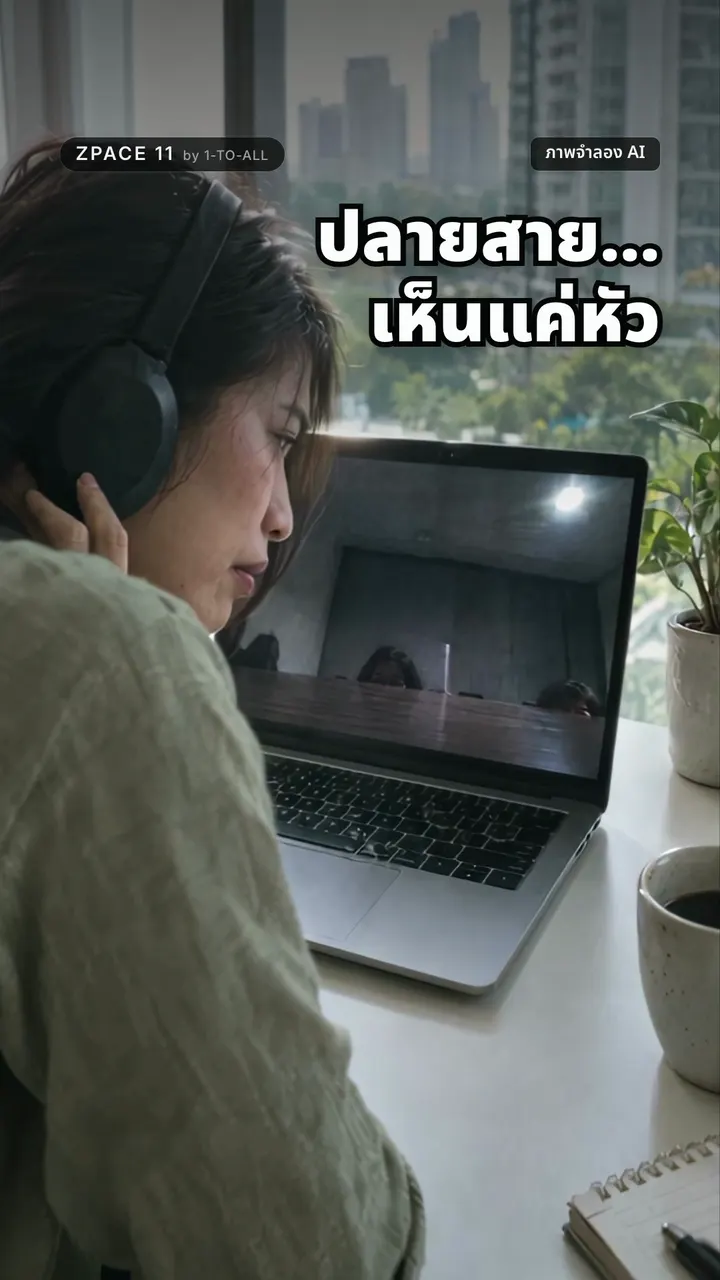
Your client joins online. They hear an echo, see the tops of heads, and can’t tell who is speaking.
- People on the call feel like guests in their own meeting.
- A laptop, an adapter and three apps before anyone says hello.
- A voice from the corner that nobody can make out.


In 30 seconds
Everyone seen. Every word heard.
The camera sees the whole room. Ceiling mics catch every voice.
Designed for the room.
Cameras, ceiling mics, speakers and room control — certified for Zoom Rooms and Microsoft Teams Rooms, designed and installed by us.
- AVer
- Yealink
- Logitech
- Poly
- AUDAC
Everyone heard. Everyone seen.
Certified for your platform
Zoom Rooms and Microsoft Teams Rooms certified devices.
Huddle to boardroom
A setup for every room size from AVer, one of our partner brands.
Rolled out at scale
One standard across every room or branch, with training in Thai.
Rooms we have set up.
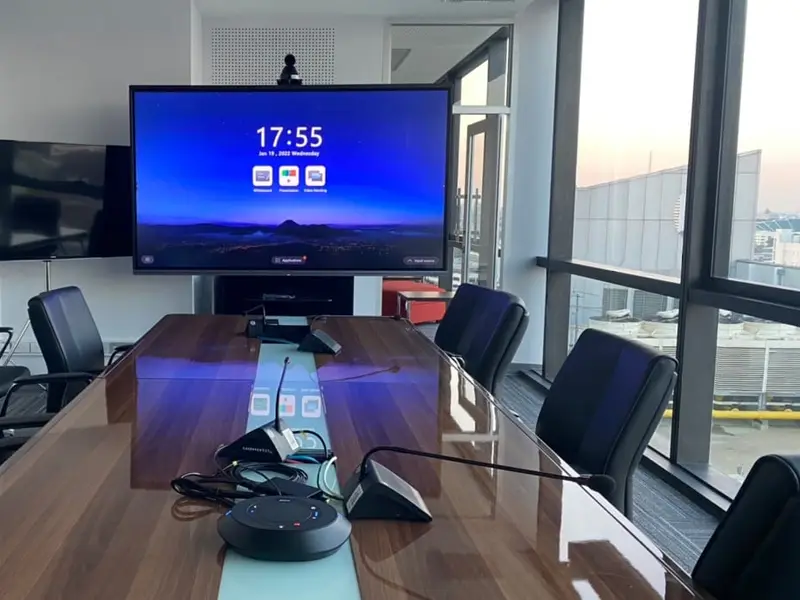
Meeting room
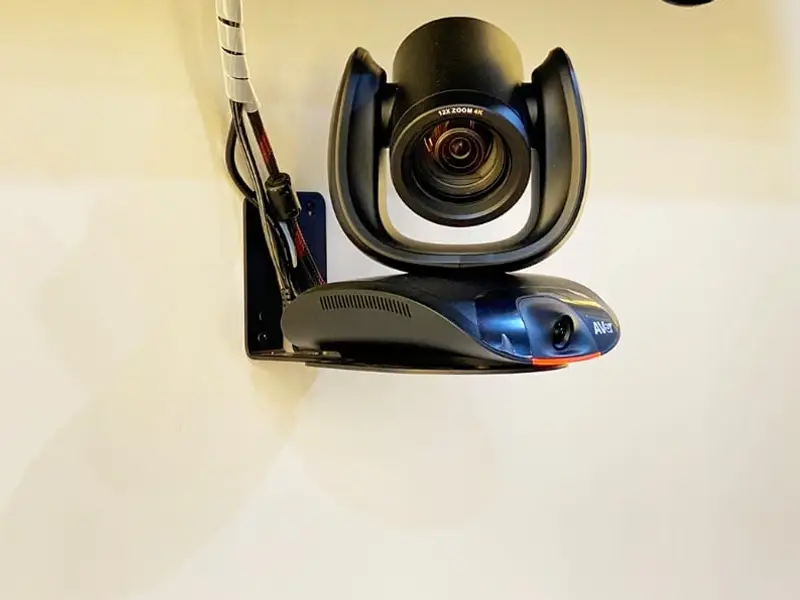
AVer PTZ camera
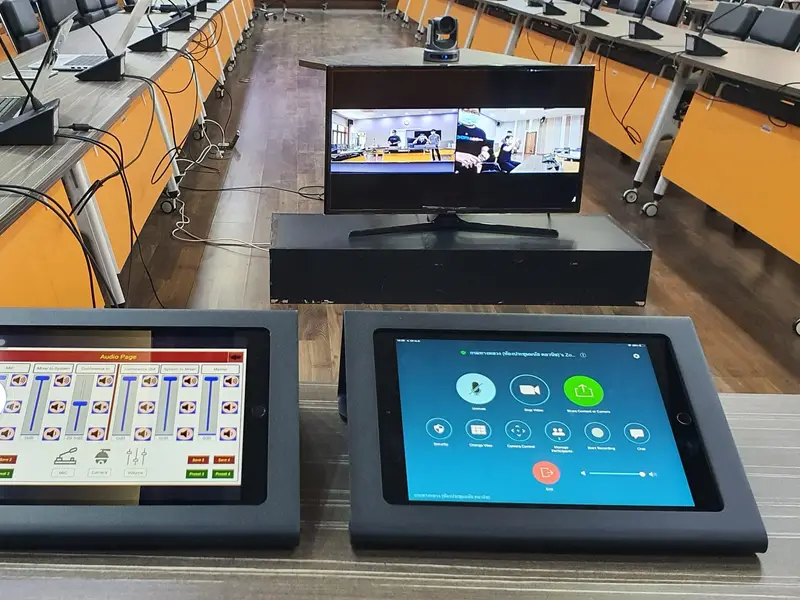
One-touch room control
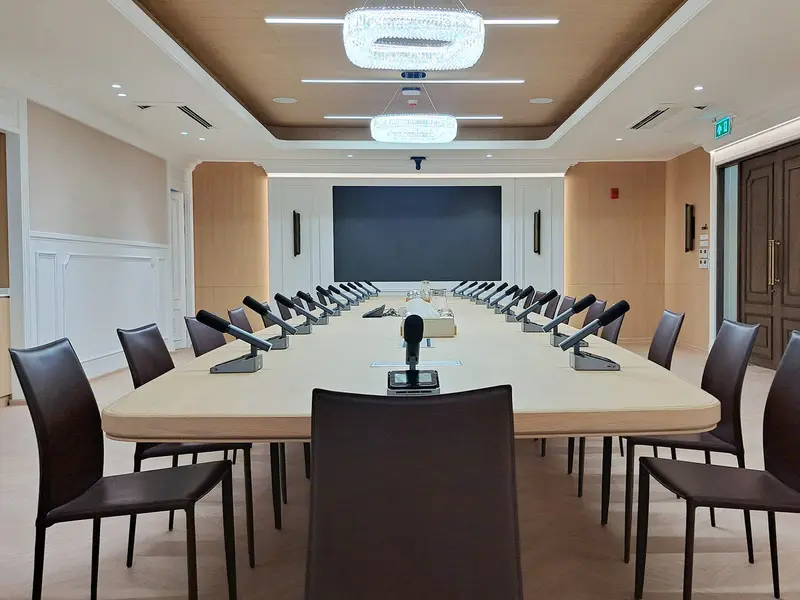
Boardroom


Room-size guide
Pick the room. We’ll match the kit.


Pick a room. Its kit lights up, and you see what the camera covers.
| Room | Recommended setup |
|---|---|
| Huddle (2–4 seats) | VB130 all-in-one video bar |
| Small (4–8 seats) | CAM550 USB camera + FONE540 speakerphone |
| Medium (8–15 seats) | PTZ camera + FONE700 ceiling speakerphone |
| Large (15–25 seats) | TR535 auto-tracking PTZ + FONE700, daisy-chained |
| Premium boardroom | TR535 + FONE700 + AUDAC line array |
| Classroom / training | Auto-tracking PTZ camera + FONE700 ceiling |
What's included
- Site survey and room design
- AV engineering and acoustic assessment
- Installation and commissioning
- Network configuration: QoS, VLAN, certificates
- Setup for Zoom Rooms, Microsoft Teams Rooms or Webex
- Training in Thai for users and IT, a quick card in every room
- Firmware updates and SLA support
Neat · partner brand
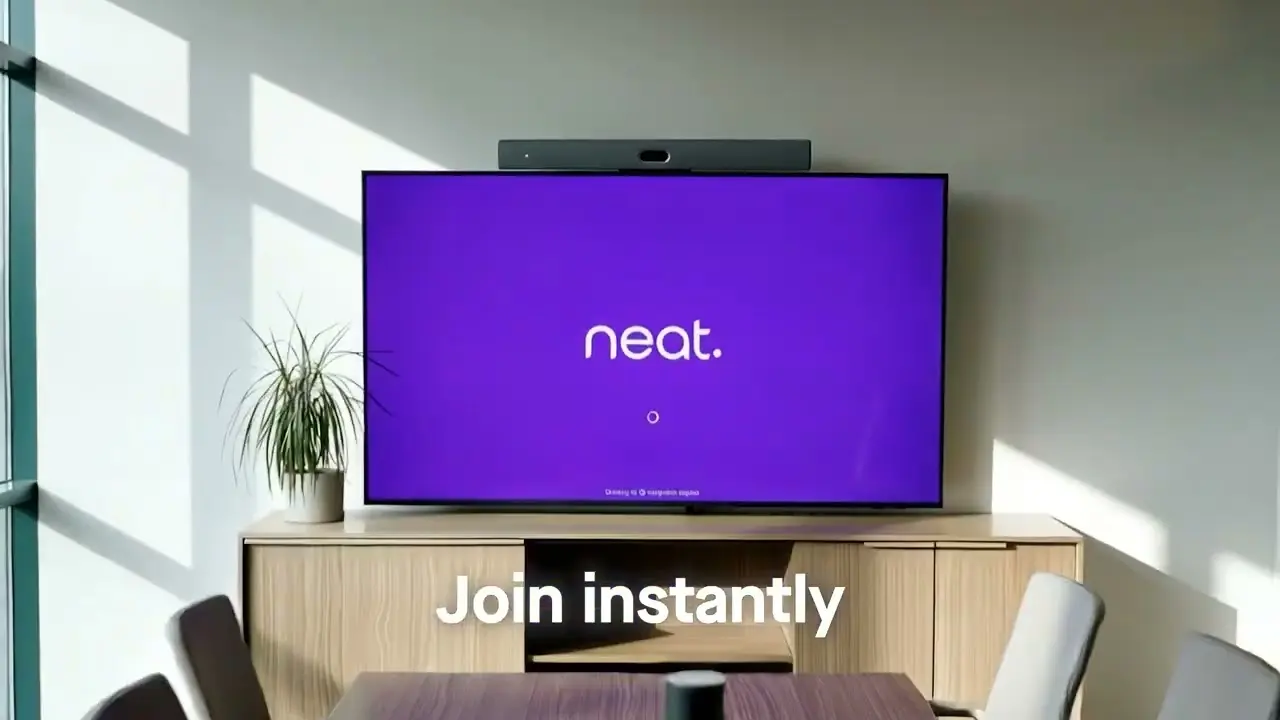
Neat. Made for Zoom and Teams.
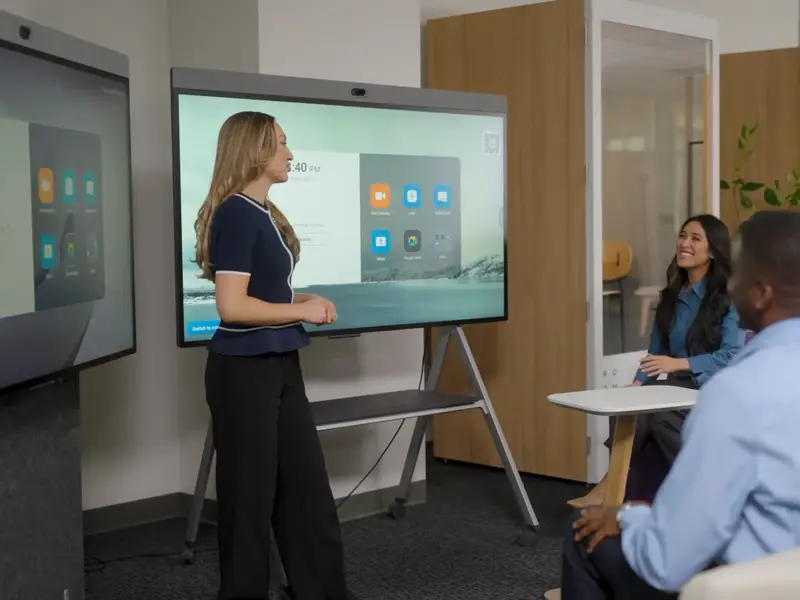
Neat Board Pro
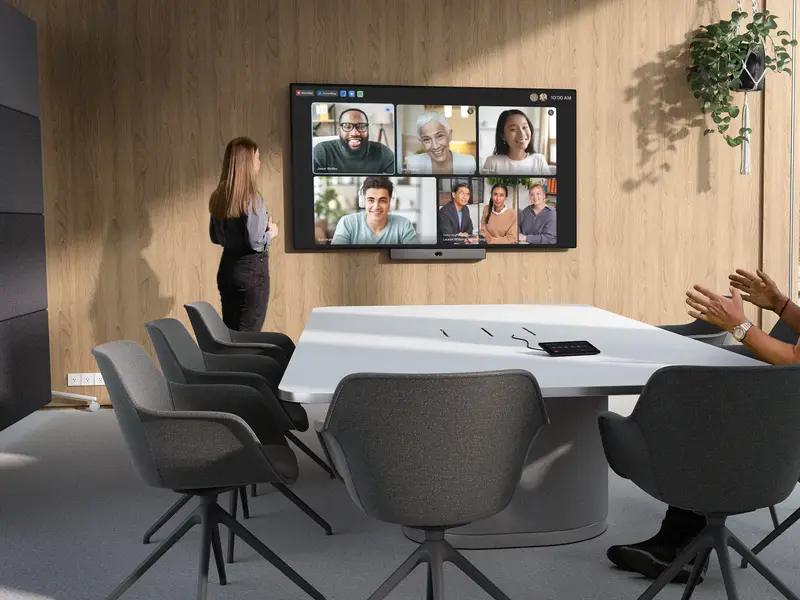
Everyday meeting room
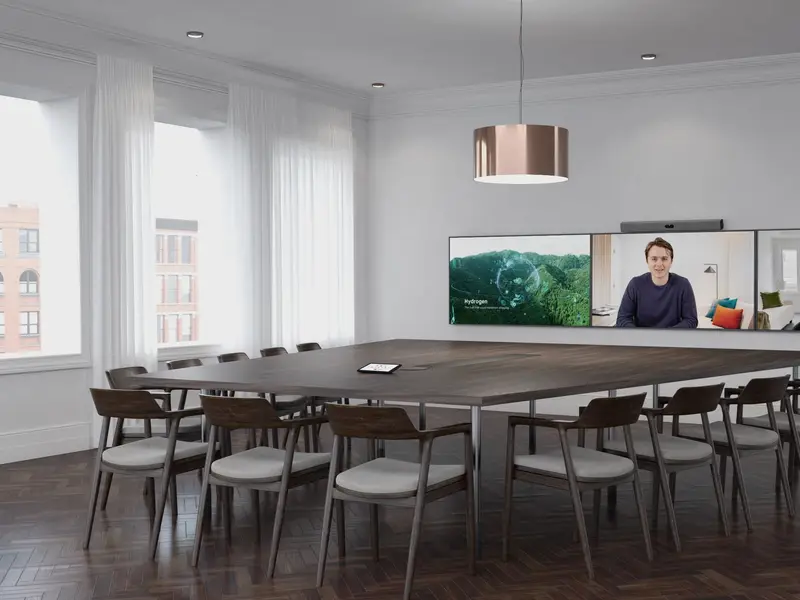
Neat Bar Pro, boardroom
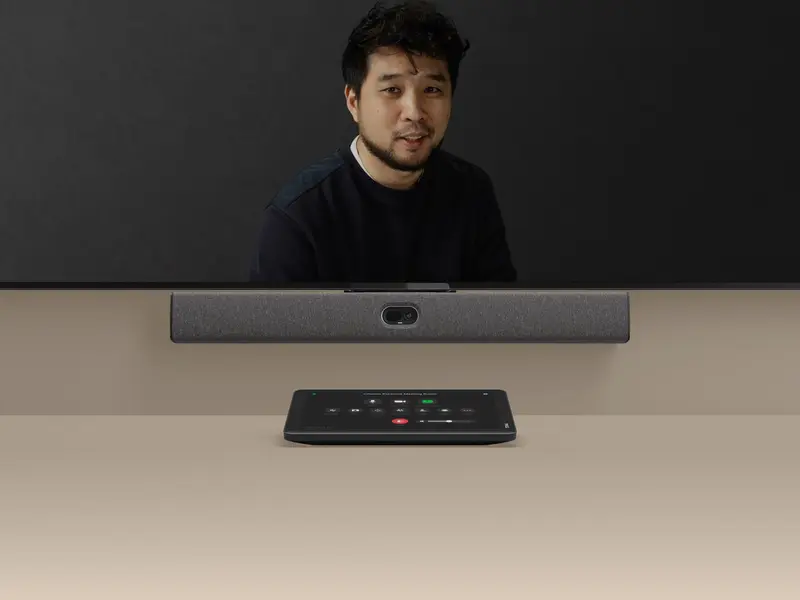
Neat Bar and Neat Pad


Video bars, boards and room controllers that set up in minutes. Neat devices are certified for Zoom Rooms and Microsoft Teams.
Projects
Leading Thai bank
One standard across every branch, managed centrally.
60 branches · AVer FONE700 · Teams Rooms
Economic ministry
Executive meeting rooms, set up for government requirements.
12 rooms · AVer FONE700 + TR535 · Teams Rooms
Hospital group
Meeting rooms and a telemedicine room.
20 rooms · AVer + FONE540
How we work
From survey to support.
Survey
We visit, measure and listen. The survey is free.
Design and install
One plan and one team, installed and tested.
Train your team
We show your people how it works, on day one.
Look after it
Warranty, repairs and support from the same team.
Questions, answered.
When is AVer the right choice?
When you want strong value for performance, are rolling out many rooms at once, need the FONE700 ceiling speakerphone, or have a budget to keep to.
Can a Zoom Room join Microsoft Teams or Webex calls?
Yes, through Zoom Rooms Direct Guest Join.
Can I use an LED wall in a meeting room?
Yes. The video conferencing system feeds the LED wall like any display, with a far better picture in a bright room.
See your space first.
Our engineers visit, measure the space and check the light, then recommend the right setup. The survey is free.